

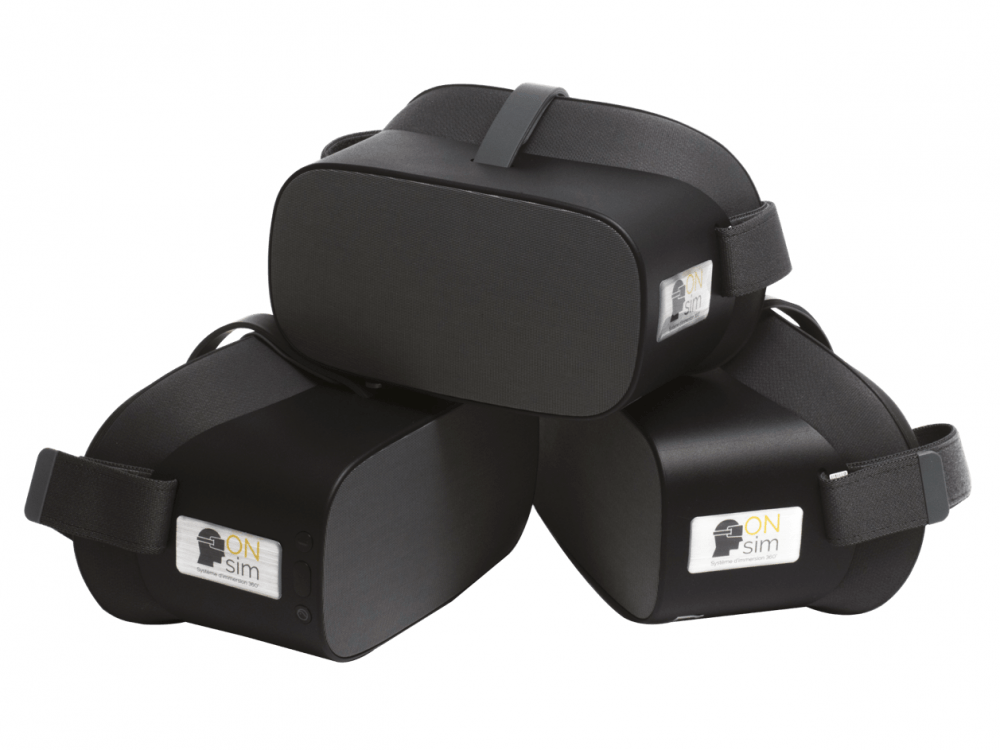
Reference 03550 · Digital tools
Immersive Virtual Reality for education - ONsim
- Digital tools
- Psychiatry and Mental Health
- Main product
- Medicine
Immersive Virtual Reality for education, in real 360º environments.
Price on request
Available in Spain, Portugal and Andorra · delivery time given in the proposal
Downloadable data sheet — features, specifications and delivery time, in PDF.
Need a technical report? Ask us for it and we'll send it within 24 h →
Description
What this equipment is and what it's designed for.
With ONsim the immersive virtual reality simulator for education, you can enjoy as many headsets as you want so everyone can enjoy the same experiences at the same time. No setup is required and adding participants has never been easier.
Interaction is an important part of learning, ONsim offers the ability to add many types of interactions to keep your participants engaged as they learn through discovery.
What you learn
Digital tools modality. The competencies this equipment trains, in the language of the training plan.
Related procedures: Debriefing
Features and what's included
What the equipment does and what comes in the box, as described by the manufacturer.
Features
BROADCASTING:- Streaming to multiple headsets is easy thanks to a combination of reliable technology infused with intuitive software to create an easy-to-use system that's made for everyday use.
- The control software allows you to control multiple headsets to give you control over your experiences, since dives are stored in the headsets, you can control an unlimited number of headsets as long as they are on the same network.
- To make the system suitable for everyday use, ONsim has worked on a simple system to make it easy to get started with a well proven process.
- With nothing to configure, just plug in your router and turn on the devices.
- We take care of the rest.
- Our creation package is a combination of hardware and software that allows for a simple procedure to create interactive immersions - bring all your ideas to life in high definition to engage your attendees!
- We have divided the creation process into 3 steps, which will make the creation of your immersions simple and organised.
- Record with 360º cameras
- Build your scenario from a computer, ensuring the footage is smooth and manageable to run with pre-installed software.
- Add interactivity to your immersive scenario, points of interest, notes, questions, multiple possibilities, links, etc.
- Count on a 3-day training on how to use the software from experts to create your custom scenarios and allow you to scale it over time by adding new ones.
Includes
- 1 Wheeled case
- 3 Headset 4K G2 Software and audio headset
- 1 Control tablet and software
- 1 2.4/5GHZ Router
- 1 360 Camera / Accessories
- 1 Creation computer (RYZEN 7/ GPU/16GB)
- 5-year license for the interactive immersive builder
- 1 USB Hub with cables
- Training
- 2 years warranty
Services for this equipment
Services matter: the equipment gets commissioned, the staff know how to use it and maintenance is settled before you start. Include them in your budget and avoid having to raise a second purchase.
- Preventive maintenance We'll let you know when it's due
Documentation
You can download it now or we'll send it on request.
Other related equipment
They train the same technique. Each one approaches it in its own way: none of them replaces this one.
- ONsim XV2 LITE - Lite solution (5 Headset+tablet+transport) See details →
-
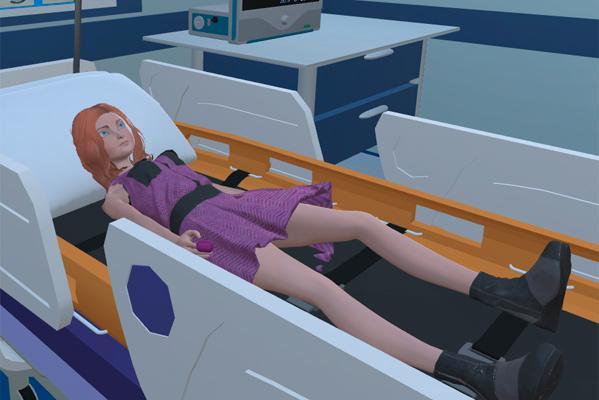 Virtual patient simulator - dr sim
See details →
Virtual patient simulator - dr sim
See details →
-
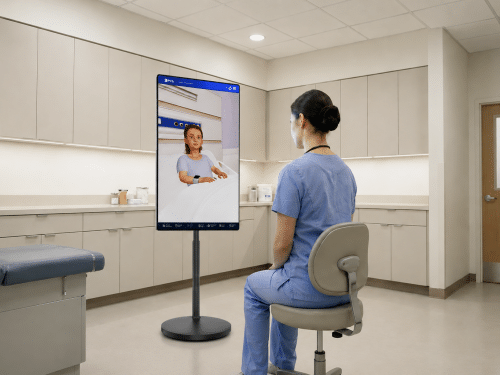 SIMVOX ULTRA - AI virtual patient with speaker and rolling display
See details →
SIMVOX ULTRA - AI virtual patient with speaker and rolling display
See details →
- DR SIM - Virtual learning platform with advanced modules - HW+SW See details →
-
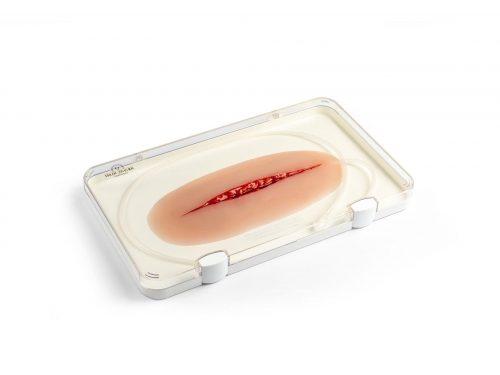 Wound moulage Suicide attempt
See details →
Wound moulage Suicide attempt
See details →
-
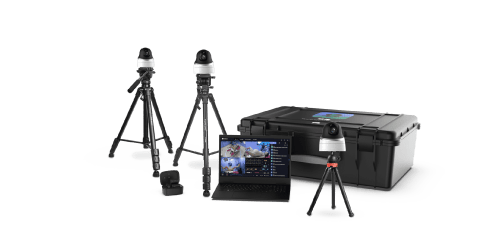 ClassGo Vision360
See details →
ClassGo Vision360
See details →
Is this equipment going into a new centre?
If you're equipping a classroom or a whole centre, starting from the shopping list works out expensive. Start from the needs assessment.