

Reference 03520 · Digital tools
Virtual patient simulator - dr sim
- Digital tools
- Anaesthesiology
- Main product
- Nursing
The Dr Sim virtual patient simulator is a comprehensive elearning platform for clinical reasoning. It includes a customised case editor
Price on request
Available in Spain, Portugal and Andorra · delivery time given in the proposal
Downloadable data sheet — features, specifications and delivery time, in PDF.
Need a technical report? Ask us for it and we'll send it within 24 h →
Description
What this equipment is and what it's designed for.
The Dr Sim virtual patient simulator is a comprehensive elearning platform for clinical reasoning. It includes a powerful and flexible virtual case editor to create simulations that best suit the curricular needs of the institution.
What you learn
Digital tools modality. The competencies this equipment trains, in the language of the training plan.
- Improve the clinical reasoning of the learner.
- Distance learning.
- Virtual classes.
Related procedures: Debriefing
Cases and pathologies
The clinical scenarios that can be simulated with this equipment.
- Critical care ward
- Emergency room
- Out-of-hospital
- Geriatric male and female patient
- Adult male and female
- Male and female child
- Male and female infant
Features and what's included
What the equipment does and what comes in the box, as described by the manufacturer.
Features
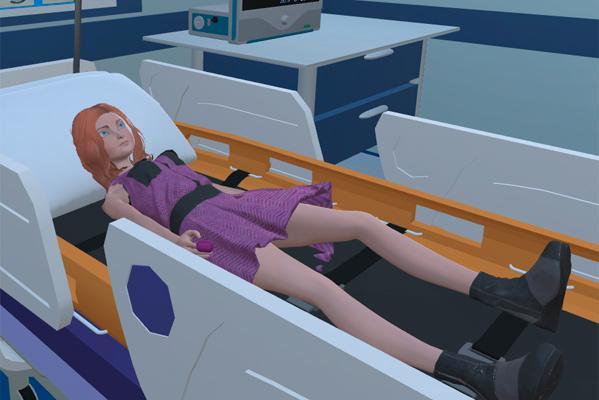
REALISTIC AND INTERACTIVE SCENE:- The 3D reconstruction includes an animated patient and displays a monitor with vital parameters updated in real time.
- The simulation evolves in real time according to the student's diagnostic and therapeutic choices and their promptness.
- E-Learning, allows access to clinical cases via the web
- There are real exams (videos, images and series of images) in order to obtain a high degree of realism to encourage learning.
- An easy-to-use editor allows extensive modification of the case: patient information, vital signs, examinations, even the therapies and operations available to the learner.
- The editor allows you to simply enrich the modified cases with your multimedia files, such as auscultatory findings within the physical examination.
- Flexibility and interactivity: choice of examinations, therapies, operations, etc. The simulation evolves in real time according to the diagnosis and therapy chosen by the student, as does its speed.
- The SCORM packages can be inserted and distributed through a LMS (Learning Management System) such as Moodle AND LDAP creating a highly interactive online training course.
- After the execution of each clinical case, a detailed report of the choices made by the trainee will be shown, presenting incorrect and correct actions together with those that are not necessary, based on guidelines and scientific literature.
Includes
- Instructor's license for Dr. Sim
- Unlimited student licenses for Dr. Sim
- Dr Sim Editor
Modules
They extend what this equipment teaches. They are requested separately and are not included in the quotation by default.
- The new scenarios "Helicopter", "Ambulance" and "Clinic/Surgery" are now available.
- Thanks to this optional package, the instructor will be able to create and edit emergency scenarios in an ambulance or helicopter and also reproduce patient care in a doctor's office.
- Compatible with all DRSIM cases created by the instructor using the DRSIM Editos application.
- More immersive clinical case experience
- Allows you to walk through various outdoor, indoor and in-hospital scenarios, with different types of patients.
- Create and experiment with your own clinical cases with live virtual reality.
- Simple, easy and effective interaction with the simulator.
- Interface compatible with all devices from a web browser.
- Simple, easy and effective interaction with the simulator.
- Thanks to this option, several students can observe, learn and interact with the scenario at the same time, encouraging teamwork and decision-making.
Services for this equipment
Services matter: the equipment gets commissioned, the staff know how to use it and maintenance is settled before you start. Include them in your budget and avoid having to raise a second purchase.
- Preventive maintenance We'll let you know when it's due
Documentation
You can download it now or we'll send it on request.
Other related equipment
They train the same technique. Each one approaches it in its own way: none of them replaces this one.
-
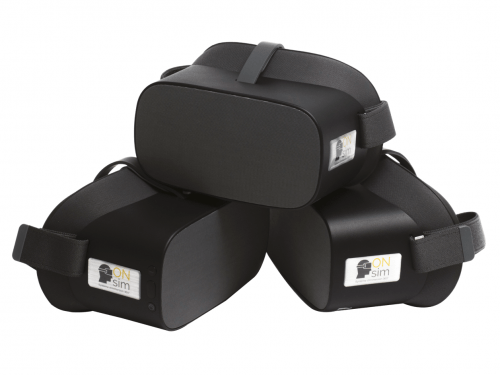 Immersive Virtual Reality for education - ONsim
See details →
Immersive Virtual Reality for education - ONsim
See details →
- ONsim XV2 LITE - Lite solution (5 Headset+tablet+transport) See details →
-
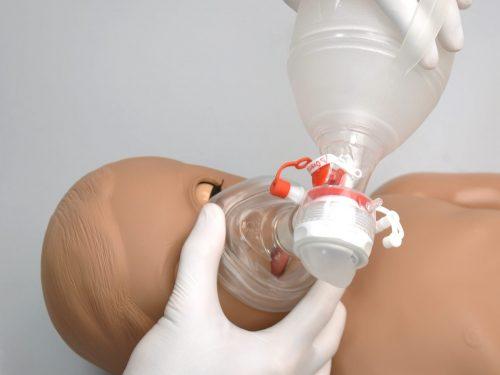 Full-body simulator for lung and heart auscultation - 1 year
See details →
Full-body simulator for lung and heart auscultation - 1 year
See details →
-
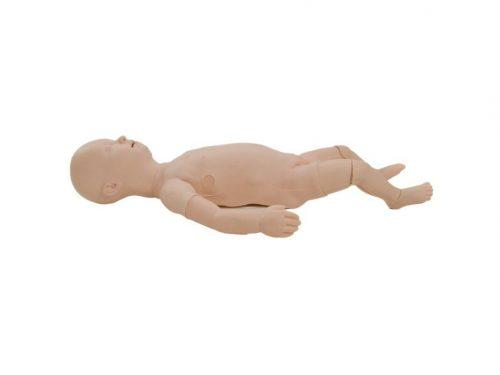 Multipurpose Pediatric Simulator - TruBaby X
See details →
Multipurpose Pediatric Simulator - TruBaby X
See details →
-
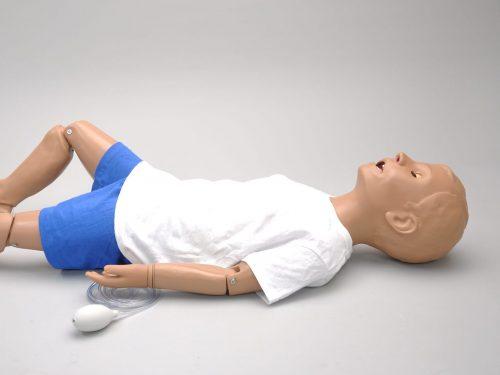 Nursing care simulator - 5 year
See details →
Nursing care simulator - 5 year
See details →
-
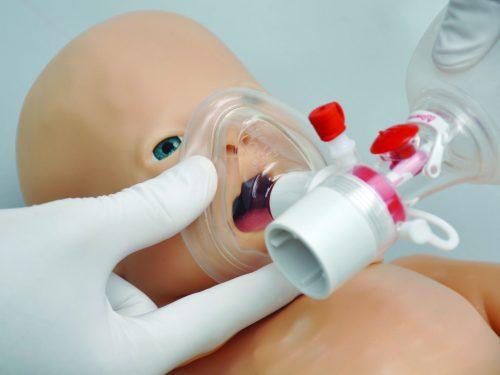 PEDI BLUE - BLS patient simulator (SmartSkin) - OMNI2
See details →
PEDI BLUE - BLS patient simulator (SmartSkin) - OMNI2
See details →
Is this equipment going into a new centre?
If you're equipping a classroom or a whole centre, starting from the shopping list works out expensive. Start from the needs assessment.