


Reference 11707 · Device simulator
Virtual Ventilator Training System
- Device simulator
- Anaesthesiology
- Main product
- Medicine
The system is designed based on the real ventilator operation interface and functions, compatible with non-invasive ventilation mode and invasive ventilation mode, which different ventilation mode shows different parameter settings and waveform changes. It also offers the vital signs monitor,…
Price on request
Available in Spain, Portugal and Andorra · delivery time given in the proposal
Downloadable data sheet — features, specifications and delivery time, in PDF.
Need a technical report? Ask us for it and we'll send it within 24 h →
Description
What this equipment is and what it's designed for.
Outline
The system is designed based on the real ventilator operation interface and functions, compatible with non-invasive ventilation mode and invasive ventilation mode, which different ventilation mode shows different parameter settings and waveform changes. It also offers the vital signs monitor, convenient for displaying the patient’s condition at any time, creating a safer and more reliable training scenario for users.
Skills Gained
- Non-invasive ventilation
- Invasive ventilation
- Intubation
- Knowing of cases including COPD, ARDS, CVD, nerve diseases etc.
- Intervention treatment
Features
- About the product
- 65-inch multi-point smart touch screen & 4K resolution (3840×2160), supporting high-definition display
- The height of the screen can be automatically raised and lowered with one button with adjustable height range of 674mm-1000mm. The screen also can be rotated within 0-90° angle
- The system is preset with typical cases from multiple departments, including respiratory system (COPD, ARDS), cardiovascular system, nervous system, etc.
- The system is modeled according to the real human pathophysiological data, so clinical sign changes can be showed by adjusting the parameter of virtual ventilator
- Each case can view the patient’s condition and initial physiological parameters
- During the operation of the case, the treatment measures in the intervention list can be used to cure the virtual patient
- The system automatically records user operations and case parameter alarms ranges and generates logs, which can be exported
- Three different system skins can be chosen
- It includes two modules: virtual ventilator and vital signs monitor
- Virtual ventilator:
A) The interface appearance and operating habits are very close to the real ventilator, including commonly used functions such as mode selection, parameter adjustment and alarm setting
B) The sound effect of ventilation can be simulated, offering a more real simulation scenario
C) The ventilation mode can be selected. For non-invasive mask, you can choose S/T, CPAP, etc. For intubation, you can choose more than 10 kinds of ventilation, such as P-A/C, V-A/C, PSV, V-SIMV, etc. The ventilation setting parameter differs in each ventilation mode, including PIP, I:E, PEEP, etc., which can be adjusted at any time
D) It can monitor and display common mechanical ventilation parameters: three waveforms display of P-T, F-T, V-T and two ring chart diagrams of P-V, F-V, which will change in real time as the ventilation mode and parameter settings
E) It can monitor the trend graph of minute ventilation, peak airway pressure, tidal volume, etc.
F) The alarm range can be set. There will be flashes and beeping sound when the value exceeds the range
- Vital signs monitor:
A) It can monitor ECG, respiratory wave and other waveforms as well as parameters such as HR and SpO2. NIBP monitoring can be automatically started at any time or regularly, and the monitoring data can be dynamically changed with the disease
B) The alarm range can be set. There will be flashes and beeping sound when the value exceeds the range
C) It can display auxiliary inspection results like simulation examination report and laboratory test report
Specifications
- Gross weight (kg): 350
- Packing size (cm): 170 x 103 x 109
- Product size(mm): 1750×1140×1040
What you learn
Device simulator modality. The competencies this equipment trains, in the language of the training plan.
- Manejar la ventilación no invasiva.
- Manejar la ventilación invasiva.
- Practicar la intubación.
- Reconocer casos de EPOC, SDRA, enfermedad cardiovascular y enfermedades neurológicas.
- Aplicar el tratamiento intervencionista sobre el paciente virtual.
- Configurar los rangos de alarma y responder a ellos.
Related procedures: Oxygen therapy and ventilation · Patient monitor
Cases and pathologies
The clinical scenarios that can be simulated with this equipment.
- EPOC y SDRA.
- Enfermedad cardiovascular.
- Enfermedades del sistema nervioso.
- Casos preconfigurados de varios servicios, con estado del paciente y parámetros fisiológicos iniciales.
Features and what's included
What the equipment does and what comes in the box, as described by the manufacturer.
Features
- Interfaz y funciones tomadas de un ventilador real, con selección de modo, ajuste de parámetros y configuración de alarmas.
- Modos no invasivos (S/T, CPAP) y más de diez modos para intubación (P-A/C, V-A/C, PSV, V-SIMV), con parámetros ajustables en cualquier momento.
- Curvas P-T, F-T y V-T y bucles P-V y F-V en tiempo real; tendencias de volumen minuto, presión pico y volumen corriente.
- Modelado a partir de datos fisiopatológicos humanos reales: los signos clínicos cambian al ajustar los parámetros.
- Pantalla táctil multipunto de 65 pulgadas y resolución 4K (3840 × 2160), con altura regulable de 674 a 1000 mm y giro de 0 a 90°.
- Registro automático de las acciones del usuario y de las alarmas, exportable.
Includes
Dos módulos: ventilador virtual y monitor de constantes vitales.
Services for this equipment
Services matter: the equipment gets commissioned, the staff know how to use it and maintenance is settled before you start. Include them in your budget and avoid having to raise a second purchase.
- Preventive maintenance We'll let you know when it's due
Documentation
You can download it now or we'll send it on request.
Other related equipment
They train the same technique. Each one approaches it in its own way: none of them replaces this one.
-
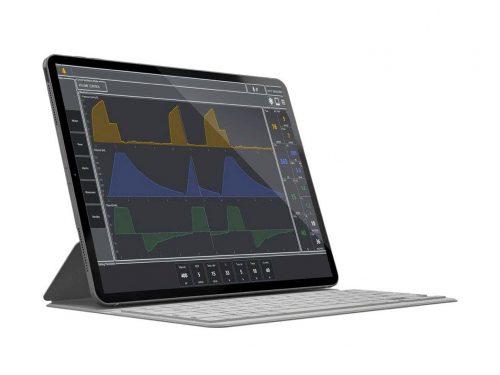 Mechanical Ventilation Simulator - LUNGSIM
See details →
Mechanical Ventilation Simulator - LUNGSIM
See details →
-
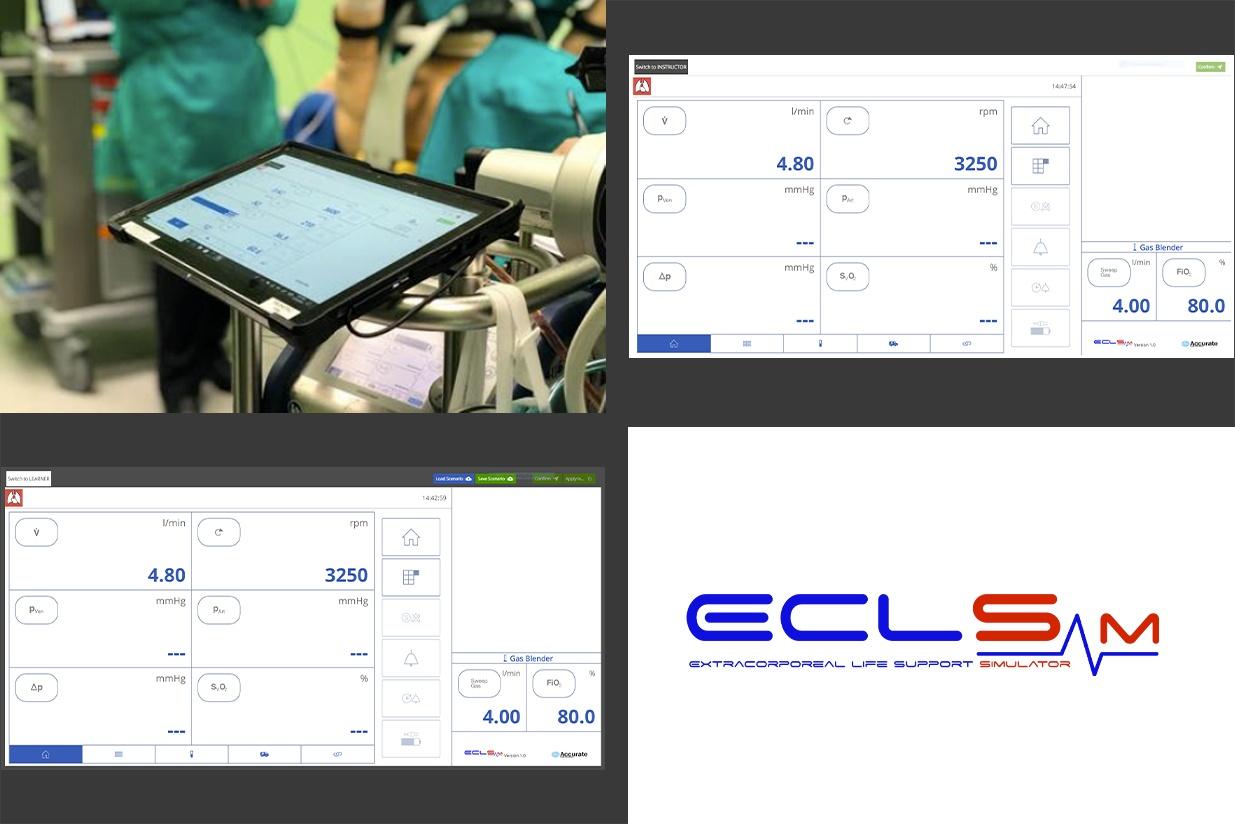 ECLSim - Extra Corporeal Life Support Simulator
See details →
ECLSim - Extra Corporeal Life Support Simulator
See details →
-
 SimPiCCO
See details →
SimPiCCO
See details →
-
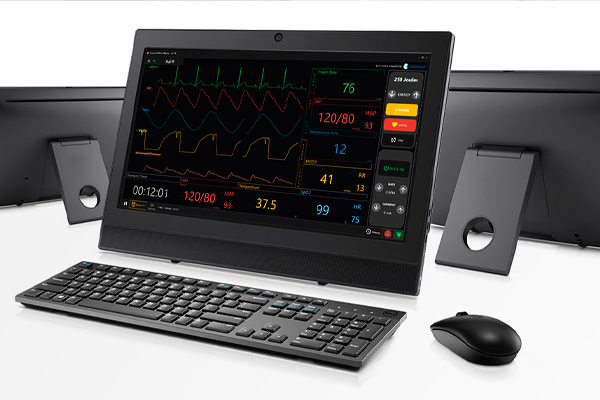 VITALS - bedside patient monitor
See details →
VITALS - bedside patient monitor
See details →
- VITALS - Patient monitor + OMNI2 (stand-alone) - Surface Go See details →
-
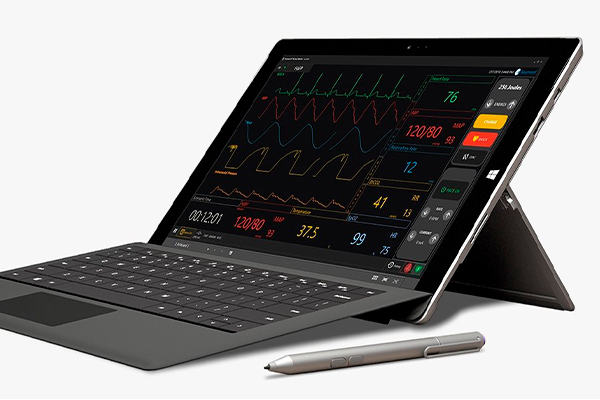 VITALS - portable patient monitor
See details →
VITALS - portable patient monitor
See details →
Is this equipment going into a new centre?
If you're equipping a classroom or a whole centre, starting from the shopping list works out expensive. Start from the needs assessment.