
Reference 1682
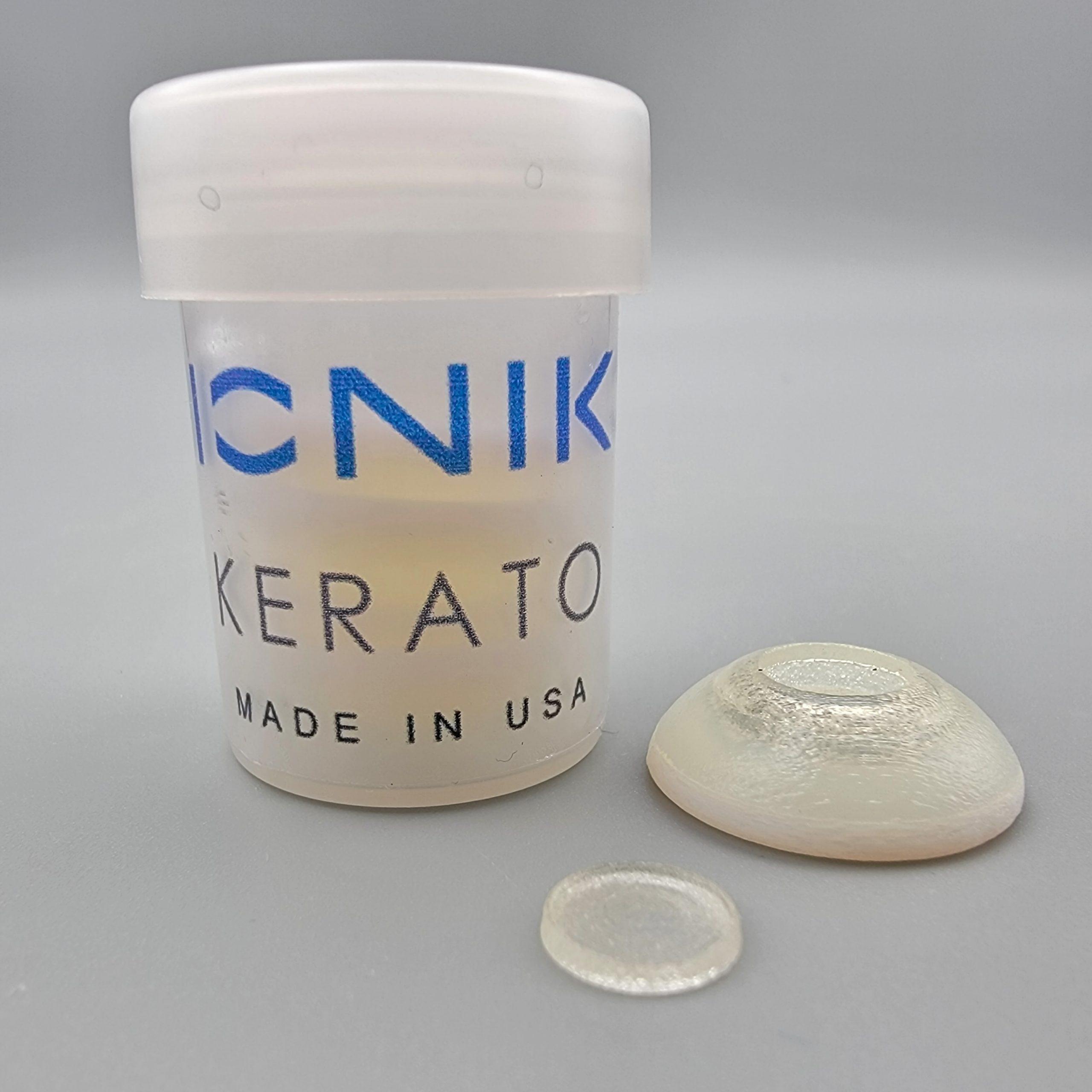
KERTO - Penetrating Keratoplasty Training MODEL (PKP)
- Ophthalmology
- Consumables
Micro-suturing medical simulator based on a PKP scenario
For use with ALL HOLDERS of the range
Price on request
Available in Spain, Portugal and Andorra · delivery time given in the proposal
Downloadable data sheet — features, specifications and delivery time, in PDF.
Need a technical report? Ask us for it and we'll send it within 24 h →
Description
What this equipment is and what it's designed for.
By presenting the main challenges of a penetrating keratoplasty (PKP) scenario, the KERATO task trainer allows users to learn, train and perfect the skills required to perform precise suturing under a microscope; a fundamental skill in ophthalmic surgery.
What you learn
The competencies this equipment trains, in the language of the training plan.
- Corneal microsuturing under the microscope
- Precise suturing in a penetrating keratoplasty scenario
- Handling of ophthalmic microsurgery instruments
- Tensioning and knotting of the stitch
Related procedures: Cornea
Cases and pathologies
The clinical scenarios that can be simulated with this equipment.
- PKP suturing
Features and what's included
What the equipment does and what comes in the box, as described by the manufacturer.
Features
- Pentrating keratoplasty (PKP) scenario
- Precise suturing under a microscope and in multiple directions
- Improve depth control by keeping sutures intrastromal
- Create muscle memory for knot creation sequences
- Bi-manual technique
- Instrument manouvering skills: needle holder, scissors, tying forceps (flat) and corneal forceps with teeth.
- Immerse the donor cornea for at least 5 minutes in water. (Note: cornea looks "milky" when properly hydrated).
- Insert the host eye sclera into the ORBIT (compatible with BASIC-ORBIT and FLEX-ORBIT). Be careful not to damage delicate structures when inserting the models. Always press on the sclera.
- Refer to your ORBIT and accessories instructions for use.
- Use a dropper with water to lubricate the limbus before starting. NOTE: Lubricate with water frequently throughout the task to maintain hydration and realistic feel.
- Attach the donor corneal graft to the host eye limbus at evenly spaced points. Tension and location of the sutures should be as uniform as possible to minimize distortion of the cornea
- * SUTURE EXECUTION PARAMETERS: These may include radiality, distance to donor edge, distance to host edge, intra-stromal vs penetrating, tension and spacing.
- * INSTRUMENTATION: These may include number of sutures breaks, number of needles bent, length of suture used.
- * TIME TO COMPLETION: Although in real surgery situations quality is more important than speed, at a basic skill training level, time to completion is a good indicator of a learning curve. As familiarity with steps and confidence with the technique increases, a decrease in time to completion is expected.
- Remove model-If using an ORBIT, insert a closed instrumentbehind the model and leverage it out of the socket. If using the posterior segment or any other accessory, please refer to its instructions for use.
- Store in a cool, dry and darkplace (a drawer will be fine). Extended exposure to some indoor lights or sunlight (UV) may affect material properties. Prolonged exposure to humidity or high temperatures may adversely affect material properties.
- Do not place heavy objects on top of the model’s box. Prolonged compression may deform the models.
Includes
- 5 Eye Micro-suturing simulator
- 1 Storage box
Specifications
Dimensions, materials and certificates. This is what you need to know where it will fit.
- Reference
- 1682
Services for this equipment
Services matter: the equipment gets commissioned, the staff know how to use it and maintenance is settled before you start. Include them in your budget and avoid having to raise a second purchase.
- Preventive maintenance We'll let you know when it's due
Documentation
You can download it now or we'll send it on request.
Other related equipment
They train the same technique. Each one approaches it in its own way: none of them replaces this one.
-
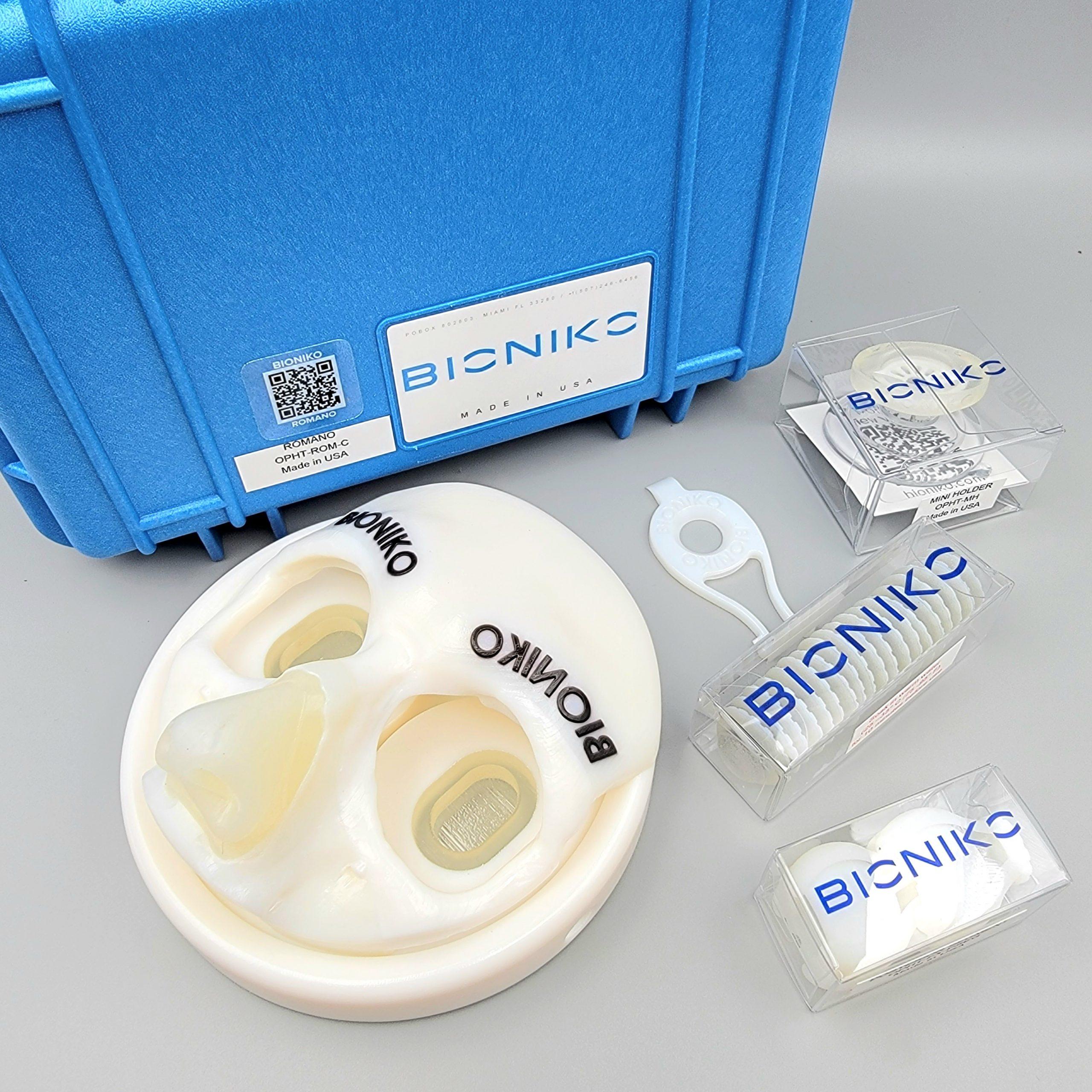 INSITU RECOVERY KIT - In situ corneal recovery kit for eye banks
See details →
INSITU RECOVERY KIT - In situ corneal recovery kit for eye banks
See details →
-
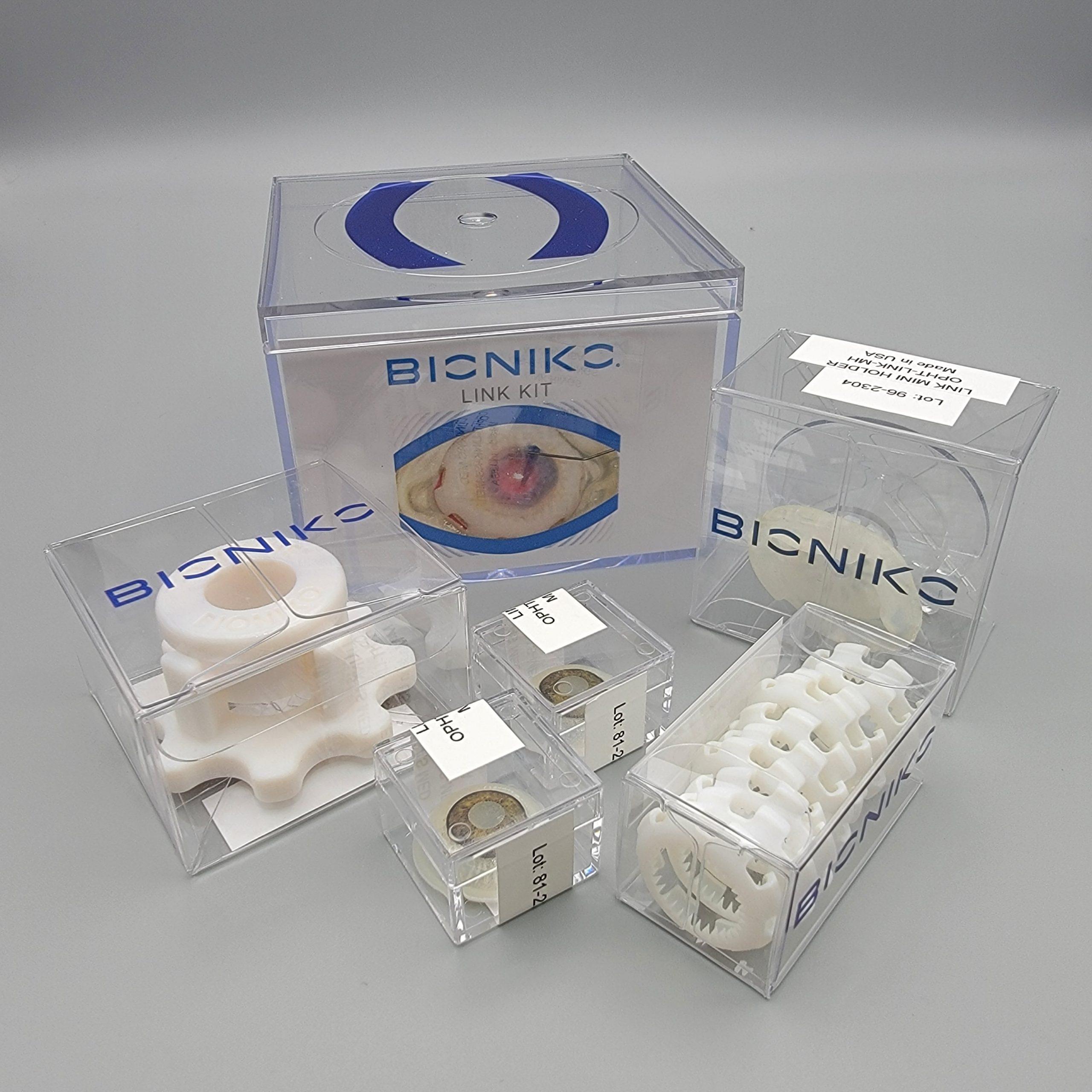 LINK KIT - DMEK endothelial keratoplasty starter kit
See details →
LINK KIT - DMEK endothelial keratoplasty starter kit
See details →
-
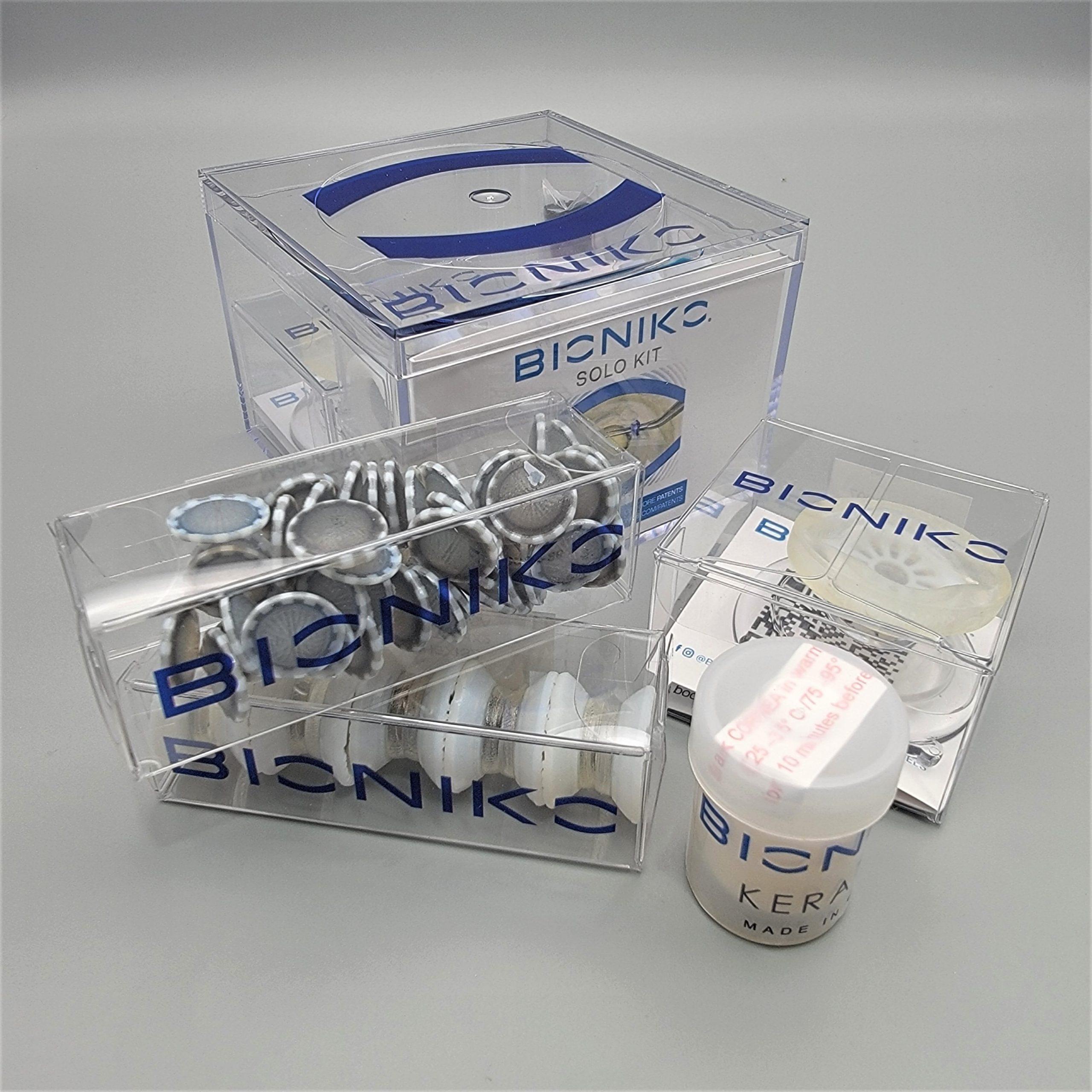 SOLO2 KIT - Basic skills in ophthalmic surgery
See details →
SOLO2 KIT - Basic skills in ophthalmic surgery
See details →
-
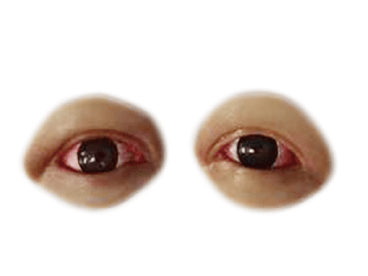 Conjunctival & Corneal Injuries
See details →
Conjunctival & Corneal Injuries
See details →
-
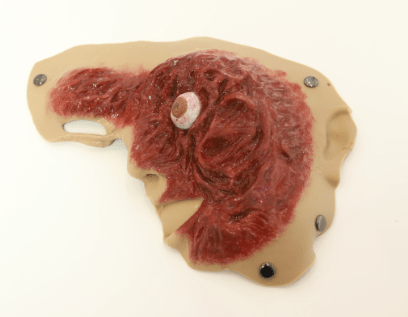 Eye Pop-out Injury
See details →
Eye Pop-out Injury
See details →
-
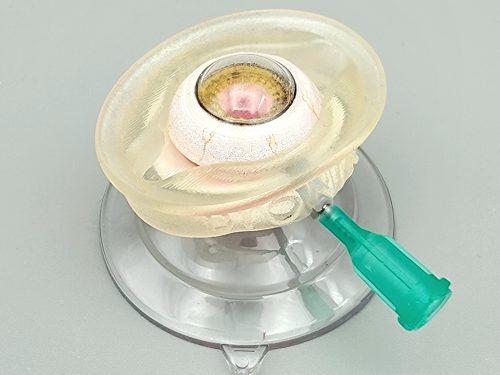 ANTERIOR VITRECTOMY KIT - Pre-assembled kit for anterior vitrectomy with empty capsule and rhexis (1 pc)
See details →
ANTERIOR VITRECTOMY KIT - Pre-assembled kit for anterior vitrectomy with empty capsule and rhexis (1 pc)
See details →
Is this equipment going into a new centre?
If you're equipping a classroom or a whole centre, starting from the shopping list works out expensive. Start from the needs assessment.